
A quarterly business review is a renewal conversation in disguise. The customer doesn't experience it that way, and you shouldn't run it that way, but every QBR either builds the case for next year or quietly erodes it. Most QBR decks erode it, because they're vendor report cards: your uptime, your release notes, your roadmap, your logo on every slide.
This is the structure for one that does the opposite: their numbers, their wins, the things that went wrong named before they name them, and a path to renewal that has no surprises in it. Seven slides. Plus an honest section on what an AI QBR deck generator can do for you and what it can't.
What a QBR deck is for
Three jobs, in order of importance:
- Prove value in their numbers. Not your platform averages. The metric they told you mattered when they bought, measured against their own baseline.
- Surface problems before they do. The customer already knows what went wrong this quarter. If you don't raise it, they conclude you don't know, or don't care. Both cost you the renewal.
- Set up the next decision. Renewal, expansion, a second site. The QBR is where it's first mentioned, sixty days out, so the renewal proposal that follows is expected rather than sprung.
The seven slides
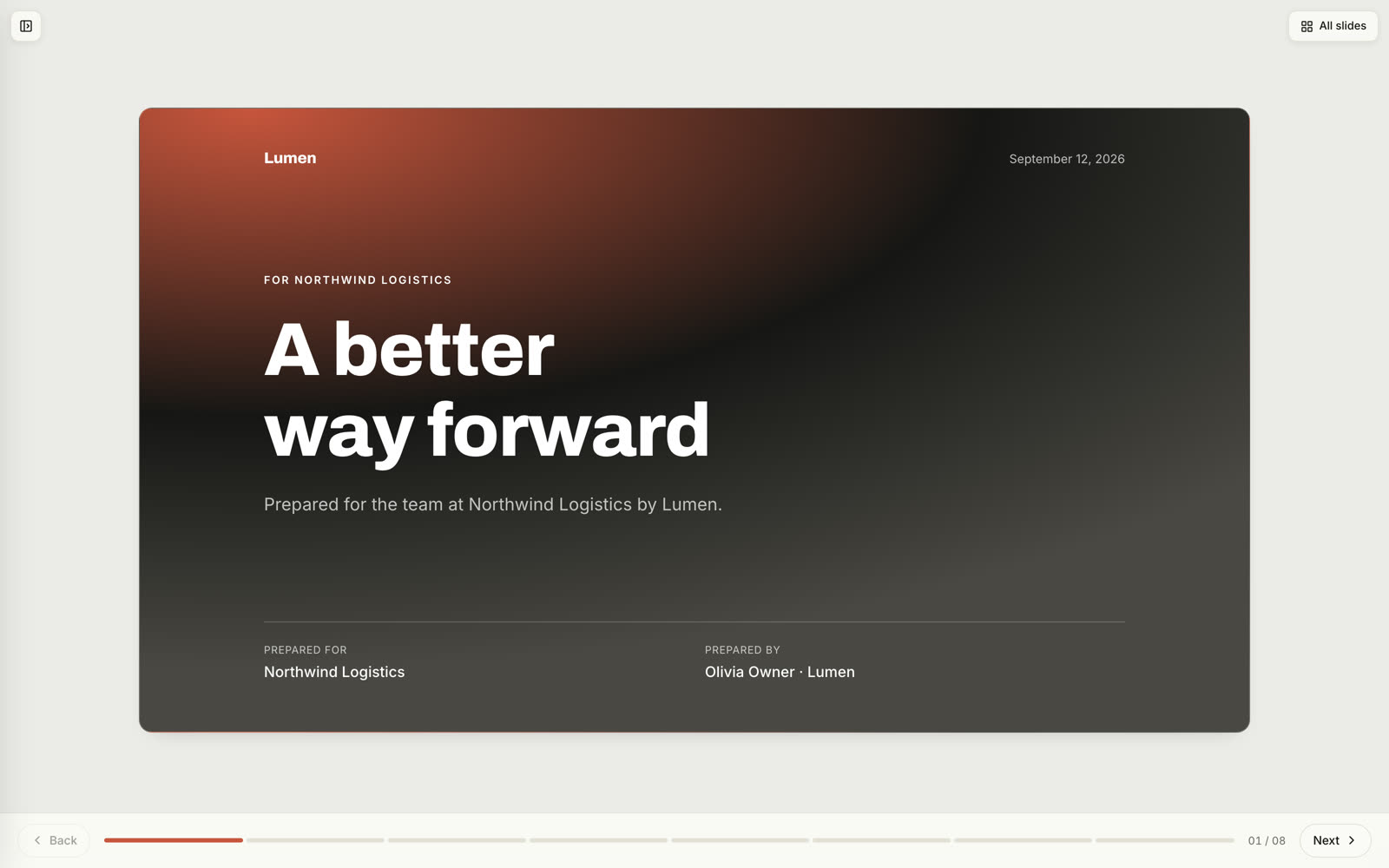
This is the structure of our QBR deck template. Each slide has one job; if a slide is doing two, split it.
1. The quarter in numbers
Four stat cards, on a brand band, above the fold. Their results against their baseline: “dispatch time 41% faster than Q1,” not “customers see an average 30% improvement.” If you can only get two real numbers, show two. Two true numbers beat four vague ones.
2. Wins
Three, each with the number it moved. And here's the rule that changes the tone of the whole meeting: one of the three should be something the customer did themselves. “Your operations team built the exceptions dashboard leadership now opens every morning. We didn't touch it.” It credits them, it proves adoption, and it's the slide they screenshot for their own boss.
3. What didn't go to plan
Two cards. Named plainly, each with what you did about it and when it was resolved. “The carrier integration slipped a month. Live since July 8. We added a second engineer to integrations so it doesn't repeat.” This is the slide that earns the renewal, because it's the one the customer expected you to skip. Don't soften it, don't bury it on slide six, and don't leave it out because the quarter went well. If nothing went wrong, say what nearly did.
4. Adoption
One usage stat beside one quote from an actual user. Numbers and sentiment on the same slide, because each one makes the other credible. Weekly active users without a quote is a dashboard; a quote without a number is a testimonial. Together they're evidence.
5. Roadmap and next quarter
Two halves. What's coming from you, and when they get it: only the items that matter to this customer, not the full release calendar. Then three things you'll do together next quarter, each with an owner on both sides and a date. The second half is what makes this a partnership slide instead of a product slide.
6. Looking ahead to renewal
Sixty days out, two options side by side: renew as-is, and expand. Real numbers for both. No surprises is the entire strategy here: the renewal proposal that follows this meeting should contain nothing the customer sees for the first time. If expansion isn't on the table, this slide is just the renewal timeline, and it still goes in.
7. Next steps
Confirm the plan, schedule the executive readout if there is one, and state when the renewal proposal arrives. Three lines. Then stop.
Where the numbers come from
The reason QBR decks default to vendor averages is that customer-specific numbers take work to assemble. The sources, roughly in order of effort:
- Product usage data, for adoption and the headline metric, if your product measures the thing they bought it for.
- Support tickets, for the “what didn't go to plan” slide. Volume by category, and the two that hurt.
- The CRM account record, for what they said they wanted at purchase. The baseline lives here, if anyone wrote it down.
- Last quarter's QBR, for the commitments you made. Slide five of last quarter is the audit for slide two of this one.
- Call notes from the quarter, for the user quote and for the problems the customer raised in passing.
What an AI QBR deck generator can and can't do
Worth being precise here, because “AI QBR generator” covers two very different things.
What it can do: hold the structure above so nobody rebuilds it from a blank deck; write the narrative, the win descriptions, the “what we did about it,” the next-quarter commitments, from your account notes and the quarter's calls; keep every slide on brand without a designer; and produce a link you can send two days before the meeting, so you know which slides the customer read before they walk in.
What it can't do: know their numbers. No generator can invent a customer's baseline or their Q3 result, and any that appears to is making them up. The stat cards on slide one are yours to fill. A good tool makes those fields obvious and refuses to fake them; a bad one writes “40% improvement” and hopes you don't check.
That's how Veew handles it: pick the account, and the deck is drafted from the deal record and the quarter's call notes in the seven-slide structure above, in your brand. The numbers are fields you fill, the narrative is written for you, and the case you're making is the one the notes support. Calibrate for the fact that we build it.
Running the meeting
- Send the deck as a link two days before. Then look at which slides got read. A customer who spent four minutes on “what didn't go to plan” is telling you the meeting's agenda.
- Open on slide one, and let them react. Their numbers, their reaction. Don't narrate the stat cards.
- Do slide three yourself, out loud. Don't let them find it.
- Slide six is a question, not a pitch. “Here's what both paths look like. Which one should the proposal be built around?”
- End on time. The renewal is won by the deck being right, not by the meeting being long.
The mistakes that cost renewals
- Platform averages instead of their numbers. The customer knows the difference.
- The full roadmap. Nobody renews because of a feature they didn't ask for.
- Skipping the bad news. They know. Now they know you didn't say it.
- Springing the renewal. If the first time they see the expansion number is in the proposal, the QBR failed.
- Twenty-five slides. Seven. The template is here.