
AI notetakers solved capture. Fathom, Fireflies, Otter, Read AI, Granola, tl;dv, Avoma: every sales call is now recorded, transcribed, and summarized before the rep is back at their desk. What nobody solved is what happens next. The summary sits in the notetaker. The proposal gets written two days later, from memory, in a template. The best raw material in the deal, the buyer's own words about their own problem, never reaches the document.
This is how to close that gap: what to pull out of a call summary, where each piece goes in the proposal, how to do it by hand, with ChatGPT, or automatically, and the notetaker-specific details that matter.
What a good summary already contains
A decent notetaker summary of a discovery call has most of a proposal's first half in it, unlabeled:
- The buyer's stated priority, usually in the first few minutes, in their words.
- Two to four pains, with whatever cost they attached (“we lose a day a week to this”).
- Constraints: a deadline, a budget shape, an integration they need, a security requirement.
- Objections and hesitations, often phrased as questions.
- Who was on the call and who they mentioned (“I'd need to run this by our CFO”).
- The next step both sides agreed to.
What it doesn't contain: your offer, your pricing, your proof. Those come from your side. The summary is the buyer's half of the proposal, and it's the half most proposals are missing.
Step 1: get the call onto the deal
A summary in the notetaker's inbox is a summary nobody uses. It needs to be attached to the deal record where the proposal will be written from. Most notetakers can push summaries somewhere via webhook or API; the destination is usually the CRM, and the failure mode is that it lands on the contact, not the deal, or in a notes field nobody reads.
Whatever the route, the test is simple: open the deal, and the last three calls are there. If you have to go looking, the summary won't make it into the proposal.
Step 2: extract four things
Read the summary once with a highlighter, real or mental, for exactly four things. Everything else is context.
- The priority, verbatim. The one sentence that answers “why now.” Copy it out. Don't paraphrase yet.
- Three pains, with costs. The problems they named, and what each one costs them if they said. If they named five, pick the three the decision-makers care about.
- Constraints. Deadline, budget shape, must-have integrations, security or procurement requirements.
- The agreed next step. Exactly what was said, with the date if there was one.
Step 3: map them to the proposal
Each of the four goes to a specific section. This is the part that makes the proposal read like you listened.
- Priority → executive summary. The opening sentence is their priority, in their words, then the shape of your plan.
- Pains → “where you are today.” Three challenges, titled in their language, two sentences each on the cost.
- Pains, again → “how we'll help.” One answer per pain, in the same order. Capabilities that don't answer a pain don't appear.
- Constraints → timeline and rollout. The deadline sets the plan. The integration they asked about gets a named line. The security requirement gets an answer before IT asks.
- Next step → the last section. The proposal ends with the step you both agreed on, dated.
The full section-by-section structure is in how to write a sales proposal.
Three ways to do it
By hand
Open the summary in one window and the proposal in the other. Extract the four things, write the sections. Twenty to forty minutes for one call, and it works. It stops working when the deal has four calls, or when the rep has six deals, or when the proposal is due Friday and the summary is from three weeks ago.
With ChatGPT
Paste the summary in with a structured prompt and ask for the extraction, then the sections. Faster than by hand, and the output is only as good as what you paste. Our ChatGPT prompts for sales proposals cover the prompts that work, including the pass that stops it inventing statistics.
The limitation is the same as by hand: someone has to fetch the summary, paste it, prompt, check, then move the text into a designed document. Per proposal, every time.
Automatically
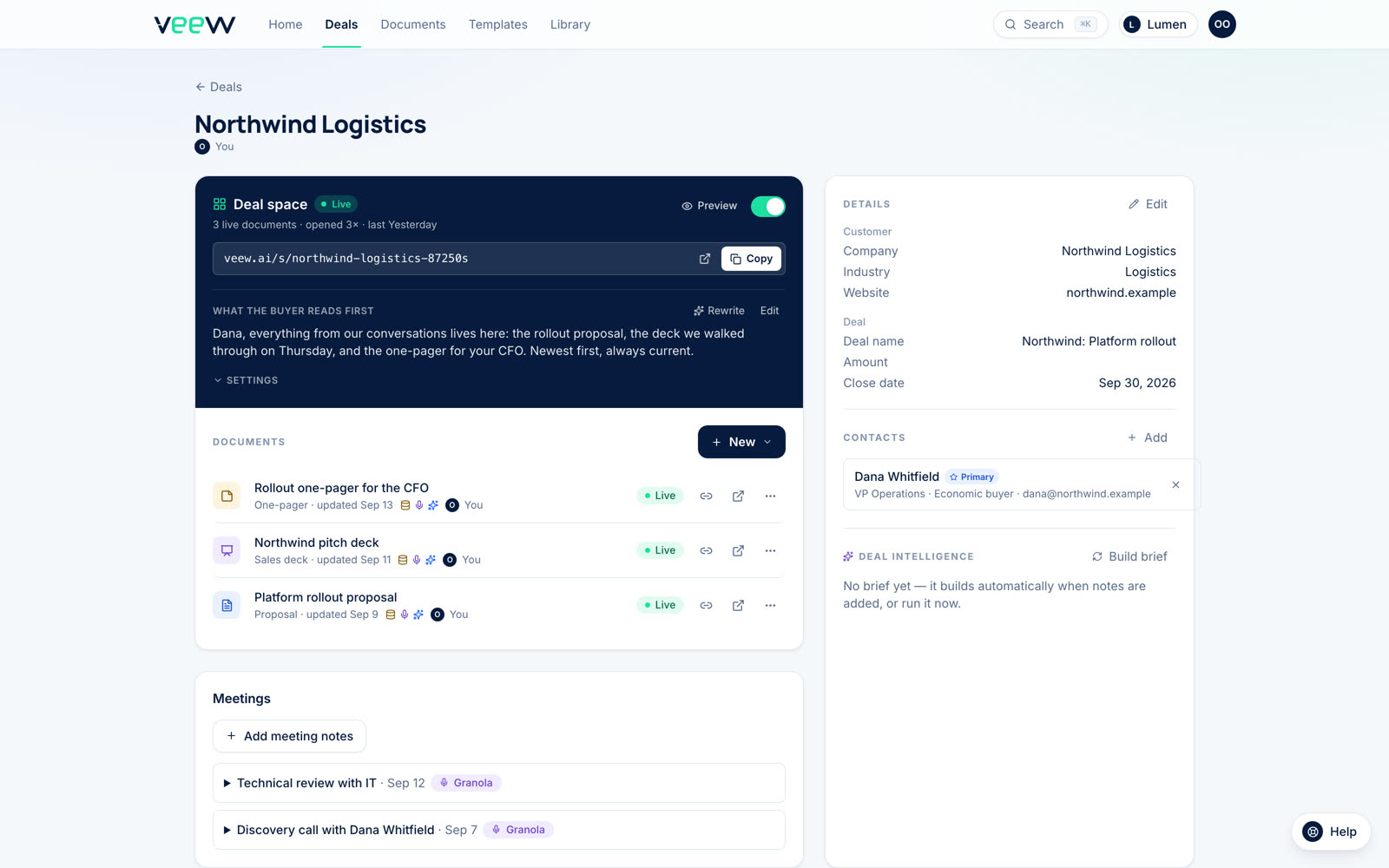
The notetaker sends the summary to the proposal tool the moment the call ends; the tool files it on the right deal by who was on the call; the proposal is drafted from it when the rep asks. That's how Veew's AI proposal generator works with Fathom, Fireflies, Read AI, Granola, tl;dv, and Avoma: connect once, and every external call lands on its deal. Veew reads the summary, not the recording or transcript, for exactly the four things above, and writes the executive summary and approach around them. You review every draft. We build it, so calibrate accordingly; the manual version works too, it just doesn't scale.
Multi-call deals
Most considered deals have three or four calls before a proposal. The summaries disagree with each other, because the deal moved. Two rules: for facts (headcount, deadline, budget), the newest call wins. For the “why,” the first call is usually the best source, because that's when the buyer explained the problem from scratch to someone who didn't know it. Later calls assume you already understand. Read the first summary for the priority and the last for the constraints.
Notetaker by notetaker
- Fathom. API keys and webhooks on every plan, including free. Each person connects their own account, since a key only sees that person's calls.
- Fireflies. Connects the same way. Summaries are structured, which makes the four-thing extraction reliable.
- Read AI. Works on every plan.
- Granola. Notes rather than transcripts by design, which is close to what a proposal needs anyway.
- tl;dv. Needs its Pro or Business plan for the integration.
- Avoma. Needs its Organization or Enterprise plan.
- Otter. No direct integration with Veew today; export the summary and paste it onto the deal. The four-thing extraction works the same.
- Gong. On request.
What never to do
- Paste the transcript into the proposal. Or into the AI as the source. Summaries carry the substance; transcripts carry the filler, the small talk, and the parts your colleague said that shouldn't leave the building.
- Quote the buyer verbatim without checking. Their words are the raw material, but “honestly this whole thing is a mess” is not a section title.
- Let internal remarks through. Notetakers capture everything, including the thirty seconds after the buyer left the call. Read the summary for anything that's yours, not theirs.
- Write from the call you remember. Memory keeps the pitch and drops the buyer's words. The summary keeps the opposite, which is why it's the better source.
The call is where the proposal was, all along. The notetaker already wrote it down. The only remaining question is whether it reaches the document.